the effects — rendered by morph itself
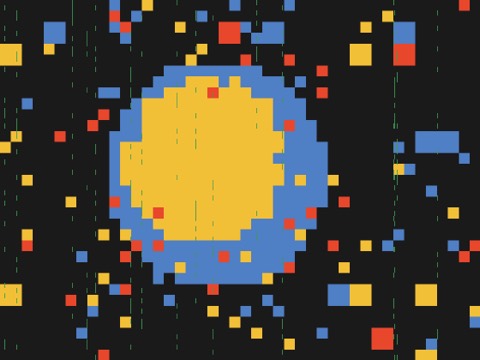 block mosaic
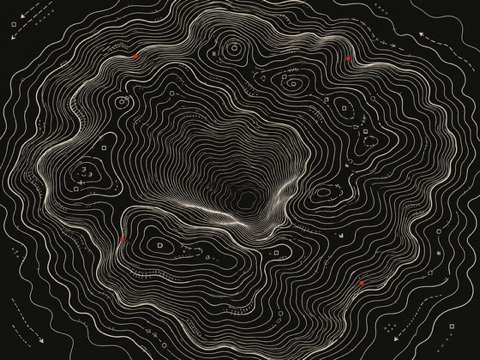 contour map
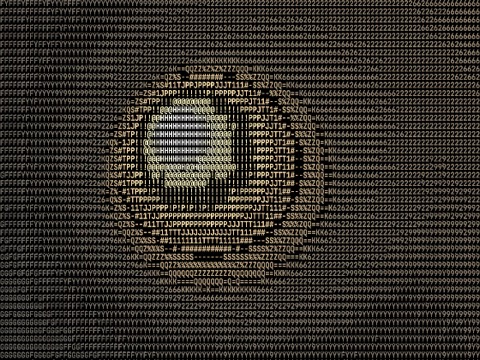 ascii
ascii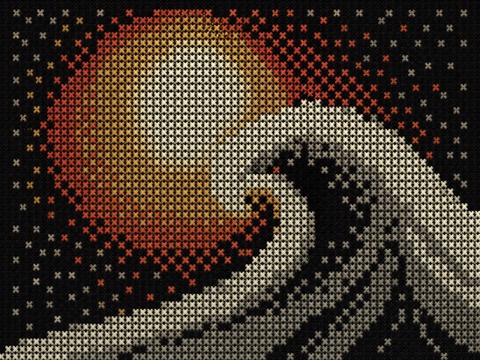 stitch poster
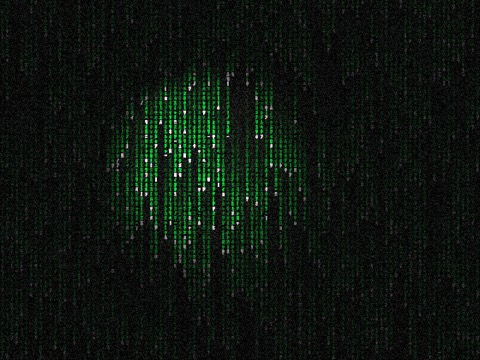 matrix
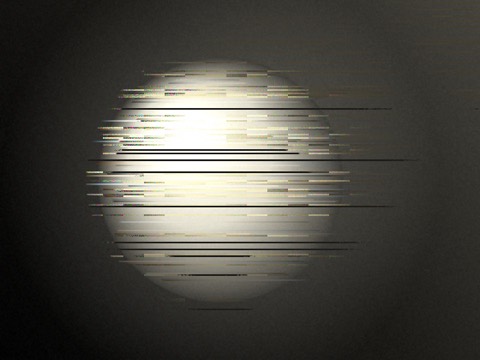 glitch
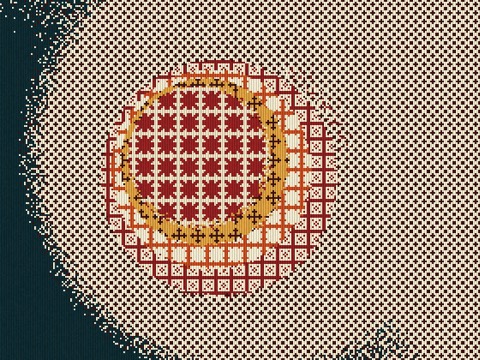 kilim
kilim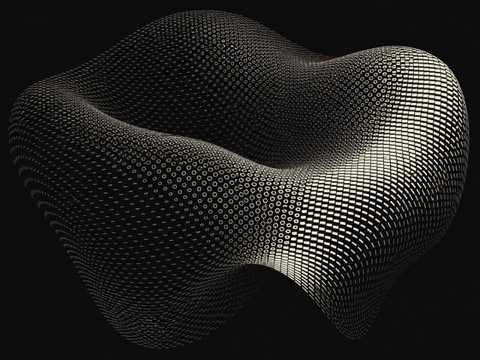 tone geometry
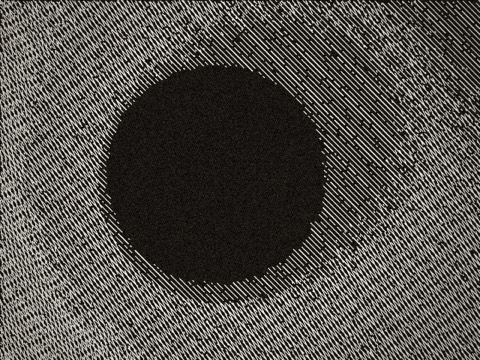 crosshatch
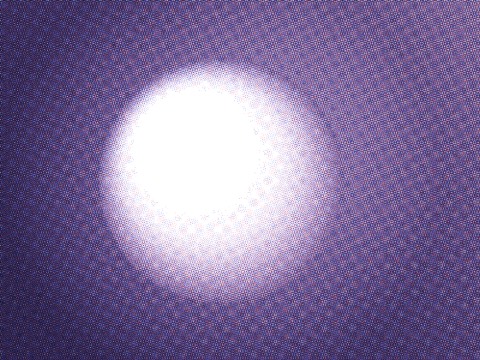 riso
riso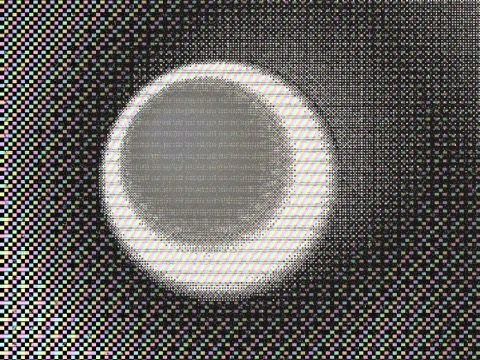 crystal
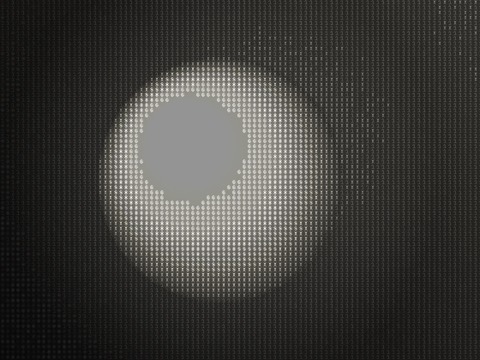 inscribe
44 effects · plus 3d lab & motion lab · every dial tweakable · all on device
block mosaiccontour mapasciistitch postermatrixglitchkilimtone geometrycrosshatchrisocrystalinscribeA photo, a video — straight onto the canvas. The effect renders live, at full quality, while you drag the dials. No import step, no timeline, no waiting. It reacts like an instrument, not like software.
Effects layer on top of each other into looks — halftone under film grain under bloom. Save the ones you love, recall them with one click, tune every slider on the way.
Play a track inside MORPH and the image starts moving to it — kick drives the dots, highs shimmer the grain. Your own files, a built-in player, a reactivity panel to decide exactly what the sound touches.
One button captures exactly what you see — frame-exact 30fps, music baked into the file. No screen-recording permission dance, no interface in the shot, no dropped frames. Strobe mode for the brave.
Renders happen on your Mac, not on a farm. Pick a duration, press export, and an MP4 lands on your disk — no queue, no watermark, no account asking to be created.
Two more rooms in the same studio. In the 3D Lab, type becomes sculpture you can light and spin. In the Motion Lab, still images learn to move — drift, ripple, breathe.
No account. No uploads. No telemetry. Your footage is yours — it goes from your disk to your GPU to your screen and never anywhere else. Unplug the internet; MORPH won't notice.
live · stitch poster